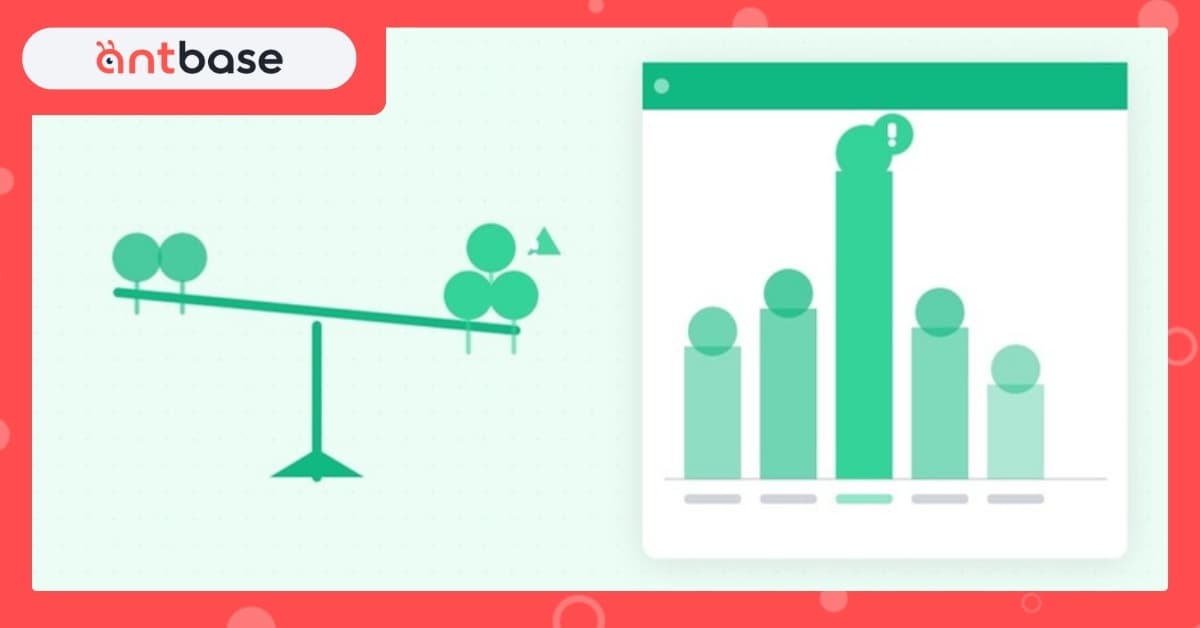
Every team has that one person — the go-to, the reliable one, the person who always says yes. And slowly, quietly, that person becomes the bottleneck. Then the burnout casualty. Then the resignation letter.
Workload imbalance doesn't announce itself. It creeps in through "quick favors," scope changes, and the path-of-least-resistance task assignment. By the time it's visible, the damage is done.
Why workload visibility matters
Most project management tools show you what's being done. Very few show you who is doing it and how much they already have. That's the gap antbase's Workload View was built to close.
The Workload View gives every manager a real-time, person-by-person breakdown of task load across your sprint or week. You can see at a glance who's overloaded, who has room, and what's coming due when.
Signs your team is imbalanced
- One or two people are on every critical path task
- Your fastest worker is also your most stressed worker
- Sprint reviews regularly show the same people missing estimates
- Certain team members are always "available" while others are always "swamped"
How to rebalance
1. Make load visible to the whole team. Shame isn't the goal — awareness is. When the team can see each other's workload, natural coordination happens.
2. Reassign proactively, not reactively. Don't wait for a missed deadline. In the Workload View, drag tasks between team members before the sprint starts.
3. Protect capacity for the unexpected. Aim for 80% load, not 100%. That 20% buffer absorbs the urgent requests that always arrive on Friday afternoon.
4. Make "no" a team feature, not a personal weakness. When workload data backs up the "no," it's no longer a personality issue. It's just math.
Start with one sprint
You don't need to redesign your whole workflow. Open the Workload View at the start of your next sprint, look at the distribution, and make one rebalancing move. That's it. One sprint of intentional load balancing builds the habit faster than any policy document.