One of the most common questions new antbase users ask is: "Which view should I use?" The honest answer is: all of them — for different things. Here's how to think about it.
List View — The Default Power Tool
List view is the most information-dense view. Every task is a row, and you can see and sort by any custom field you've defined. It's ideal for:
- Large backlogs where you need to scan and filter quickly
- Teams that care more about data than visual flow
- Bulk operations — reassigning, re-dating, or re-tagging many tasks at once
Best for: Engineering teams, ops teams, anyone managing 50+ tasks.
Kanban (Board) View — Flow at a Glance
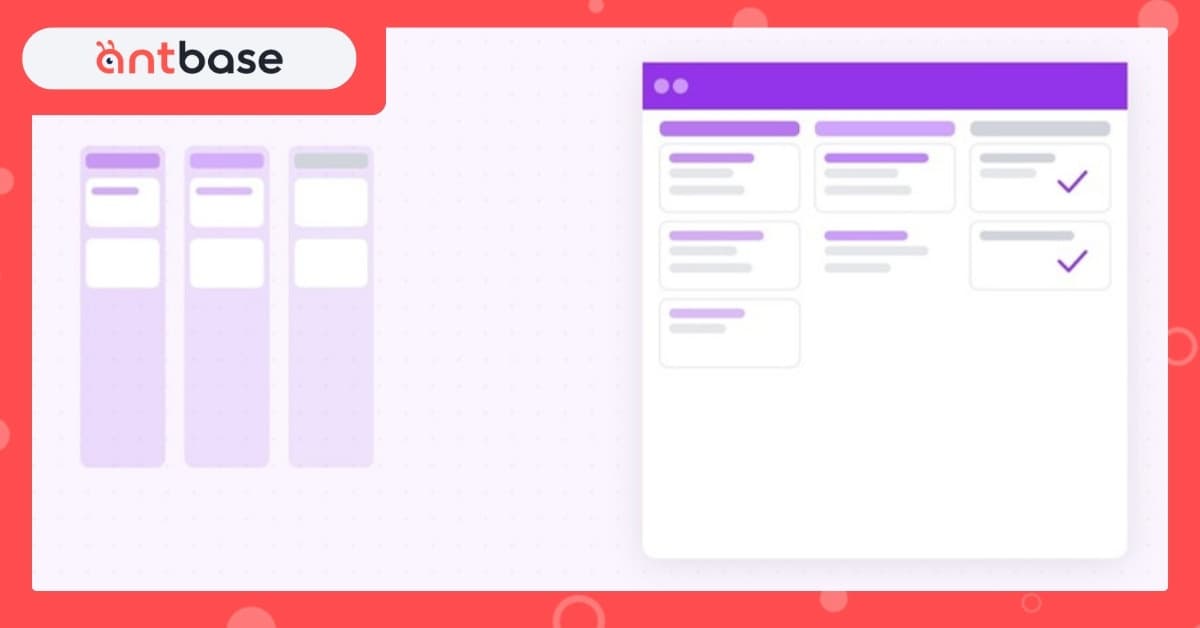
Board view maps your tasks to swimlane columns — typically by status. When something moves from "In Progress" to "Done," you drag it right. It's visual, tactile, and satisfying.
- Daily standups where you want to walk through the board
- Teams with clear, linear workflows (e.g., Design → Review → Dev → QA → Done)
- Small sprints where the whole sprint fits in one screen
Best for: Product and design teams, support queues, sprint ceremonies.
Gantt View — Time is the Constraint
Gantt view plots tasks on a timeline, showing start dates, end dates, and dependencies. It answers the question: "What needs to happen, in what order, by when?"
- Projects with hard deadlines and dependencies
- Cross-team coordination where timing overlaps matter
- Stakeholder presentations — executives love a Gantt
Best for: Agency projects, product launches, cross-functional initiatives.
Calendar View — For Time-Based Work
Calendar view shows tasks on the days they're due. Simple, familiar, useful for content calendars, editorial schedules, and event planning.
The honest recommendation
Start in List. Switch to Board for your daily standup. Open Gantt when you're planning a launch or having a conversation about timelines. Use Workload View before you assign anything new.
The view isn't the workflow — your workflow is the workflow. The view is just the lens.