AI Agents
Creating custom AI agents
How to build your own AI agents in antbase with custom instructions, triggers, and actions tailored to your team's workflow.
Custom agents let you define exactly what an AI agent does — what triggers it, what instructions it follows, and what actions it takes in your workspace.
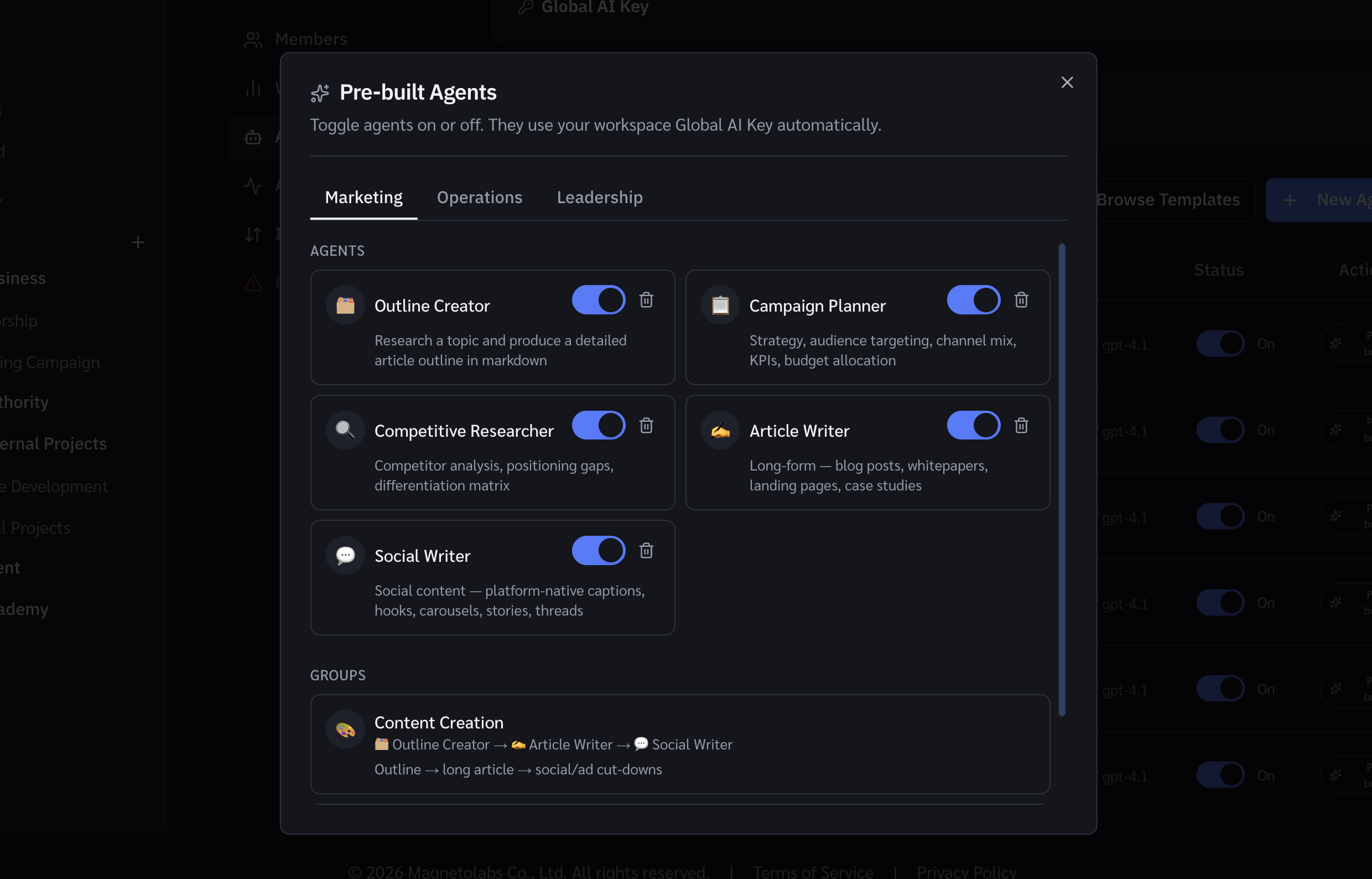
Creating an agent
- Go to AI Agents → Custom agents.
- Click New agent.
- Give it a name and write its instructions in plain language.
- Set a trigger: manual, scheduled, or event-based (e.g. when a task moves to a specific status).
- Choose what actions the agent can take: create tasks, update fields, send comments, etc.
- Click Save and activate.
Writing good instructions
Be specific. Instead of "summarise the project", write "List all tasks in the In Progress status that have no due date and create a comment on each asking the assignee to add one."
Agent groups
Group multiple agents so the output of one feeds the next. Useful for multi-step automations — e.g. a blocker-spotter that triggers a reassignment agent if it finds overdue tasks.
Was this helpful?