AI Agents
Setting up AI agents (bring your own key)
How to connect your OpenAI or Anthropic API key and activate AI agents in your antbase workspace.
antbase supports two ways to connect an AI provider key:
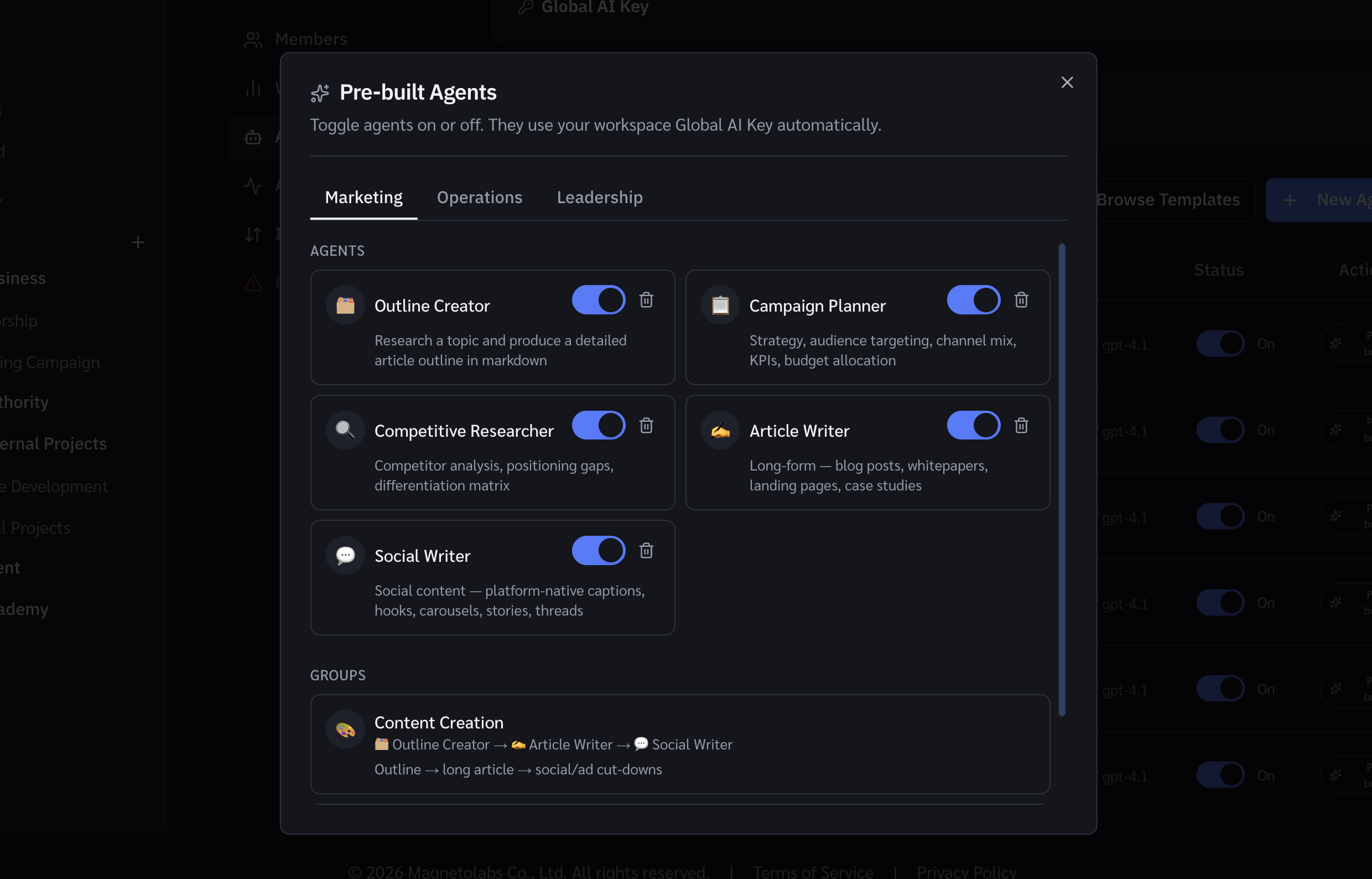
- Global AI Key — one workspace-level key shared by all pre-built agents. Learn how to set it up →
- Per-agent key — a key configured on a specific custom agent, which overrides the Global AI Key for that agent.
This article covers the per-agent key setup for custom agents.
AI agents in antbase run on your own AI provider key. This means you stay in control of your AI costs and data — antbase never charges a markup on AI usage.
Connecting your API key
- Go to Workspace Settings → AI.
- Select your provider: OpenAI, Anthropic, or a compatible API.
- Paste your API key.
- Click Verify and save. antbase will test the key before saving.
Supported providers
- OpenAI (GPT-4o, GPT-4 Turbo)
- Anthropic (Claude 3.5, Claude 3)
- Any OpenAI-compatible API endpoint
Setting a budget cap
Set a monthly token limit in Workspace Settings → AI → Budget cap to prevent runaway costs. Agents will stop running when the cap is reached and your team will be notified.
Viewing AI usage
See a breakdown of token usage by agent and by team member in Workspace Settings → AI → Usage history.
Was this helpful?