Getting Started
Setting up your workspace
How to configure your antbase workspace — name, logo, timezone, and first space — in under five minutes.
Your workspace is the top-level container for everything in antbase. Here is how to get it set up properly from the start.
Step 1 — Name your workspace
Go to Workspace Settings → General and set your workspace name. This is what your team sees when they log in, so use your company or team name.
Step 2 — Upload a logo
Add a logo or avatar in the same General settings panel. This appears in the sidebar and in email notifications sent to your team.
Step 3 — Set your timezone
Set the correct timezone so due dates and scheduled reminders fire at the right time for your location.
Step 4 — Create your first space
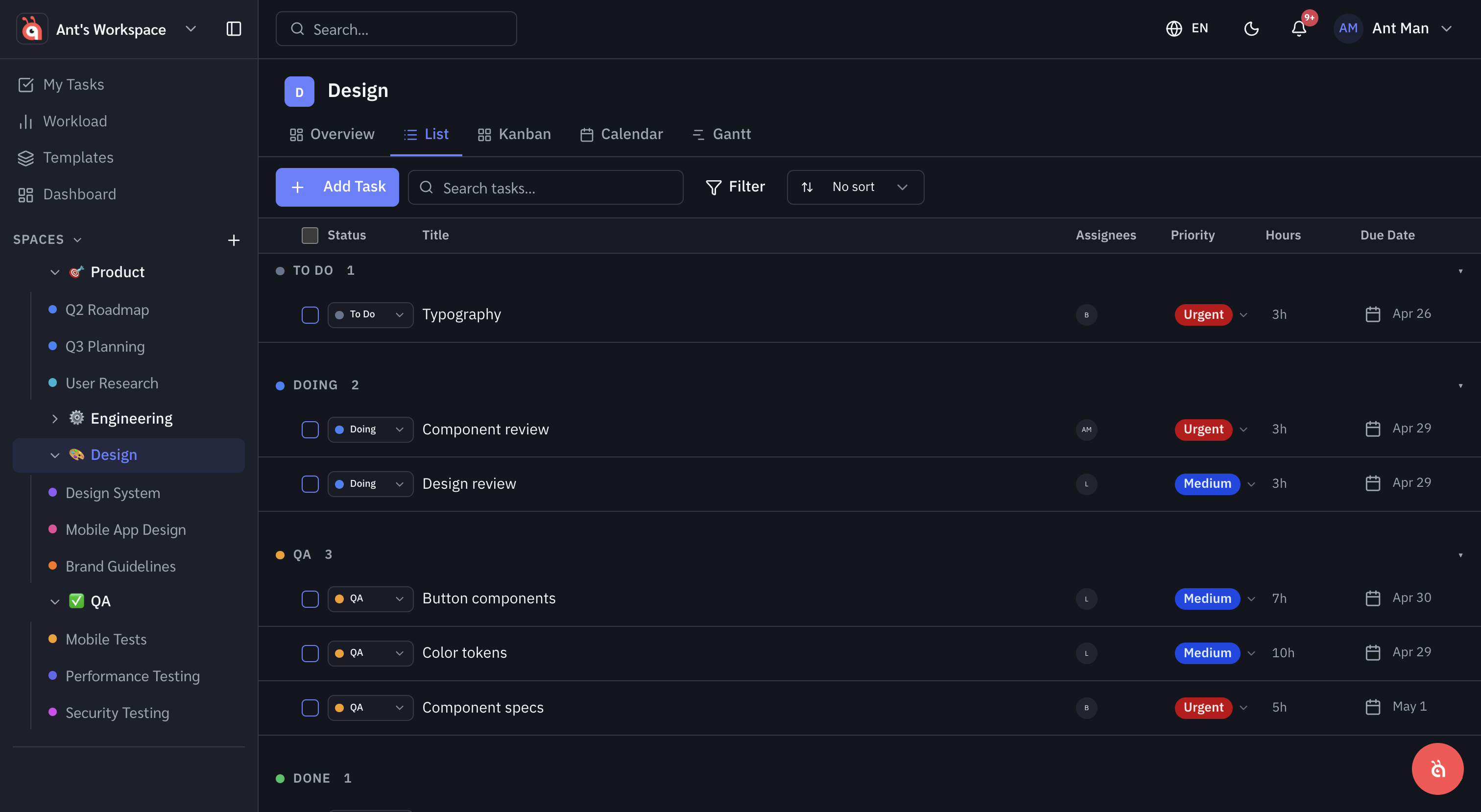
Spaces are the top-level way to organise work in antbase. Create one for each team, department, or major area of your business. Go to the sidebar and click + New Space to get started.
Step 5 — Invite your team
Head to Workspace Settings → Members and invite your teammates by email. See Inviting your team for full details on roles and permissions.
Was this helpful?