Dashboard
Tracking project progress
How to monitor task completion and spot blockers within a specific project using antbase views and reports.
antbase gives you several ways to track how a project is progressing — from a high-level percentage to a granular task-by-task breakdown.
Progress bar
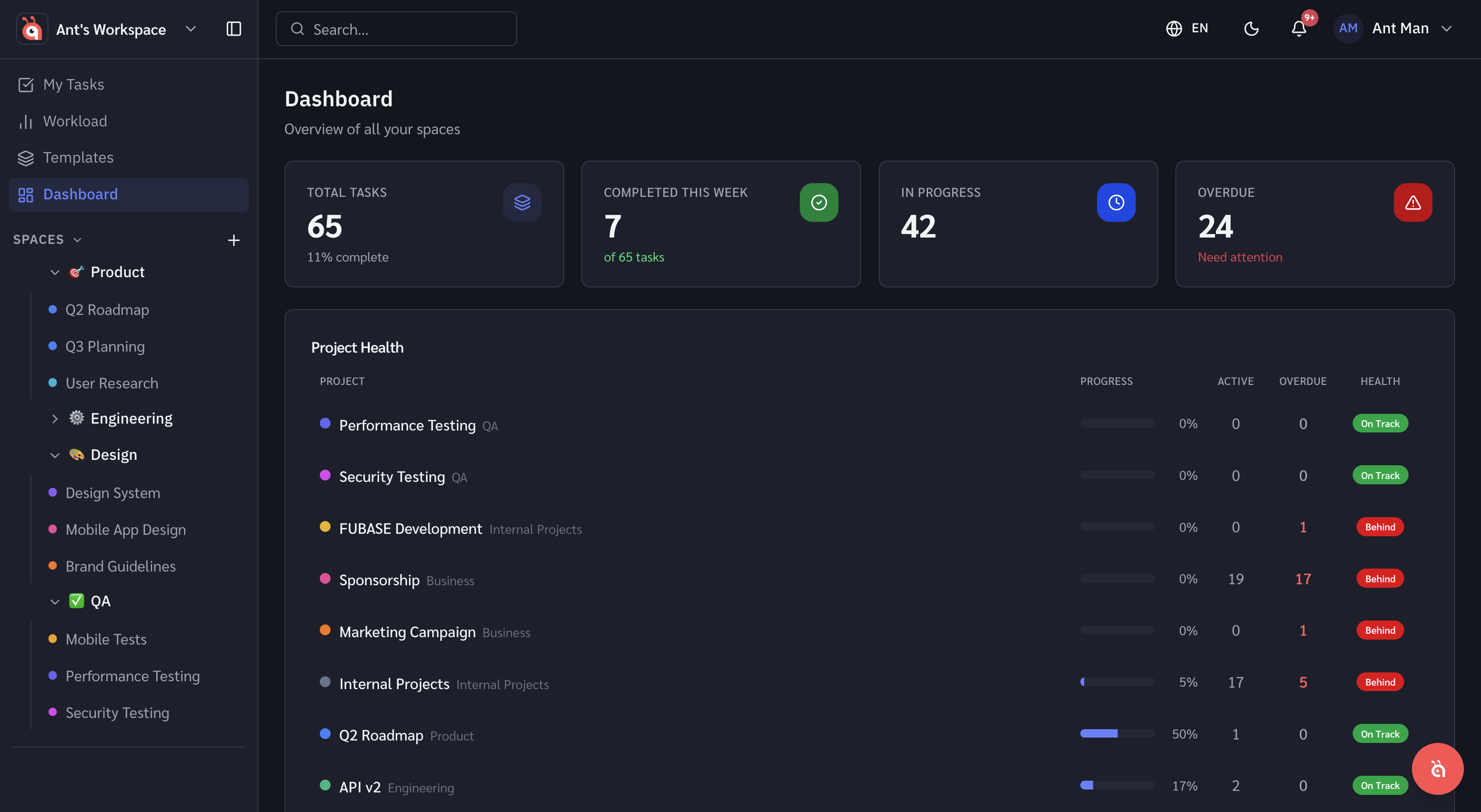
Each project shows a progress bar in the sidebar and in the project header. It reflects the percentage of tasks in a Done status versus total tasks.
List view with filters
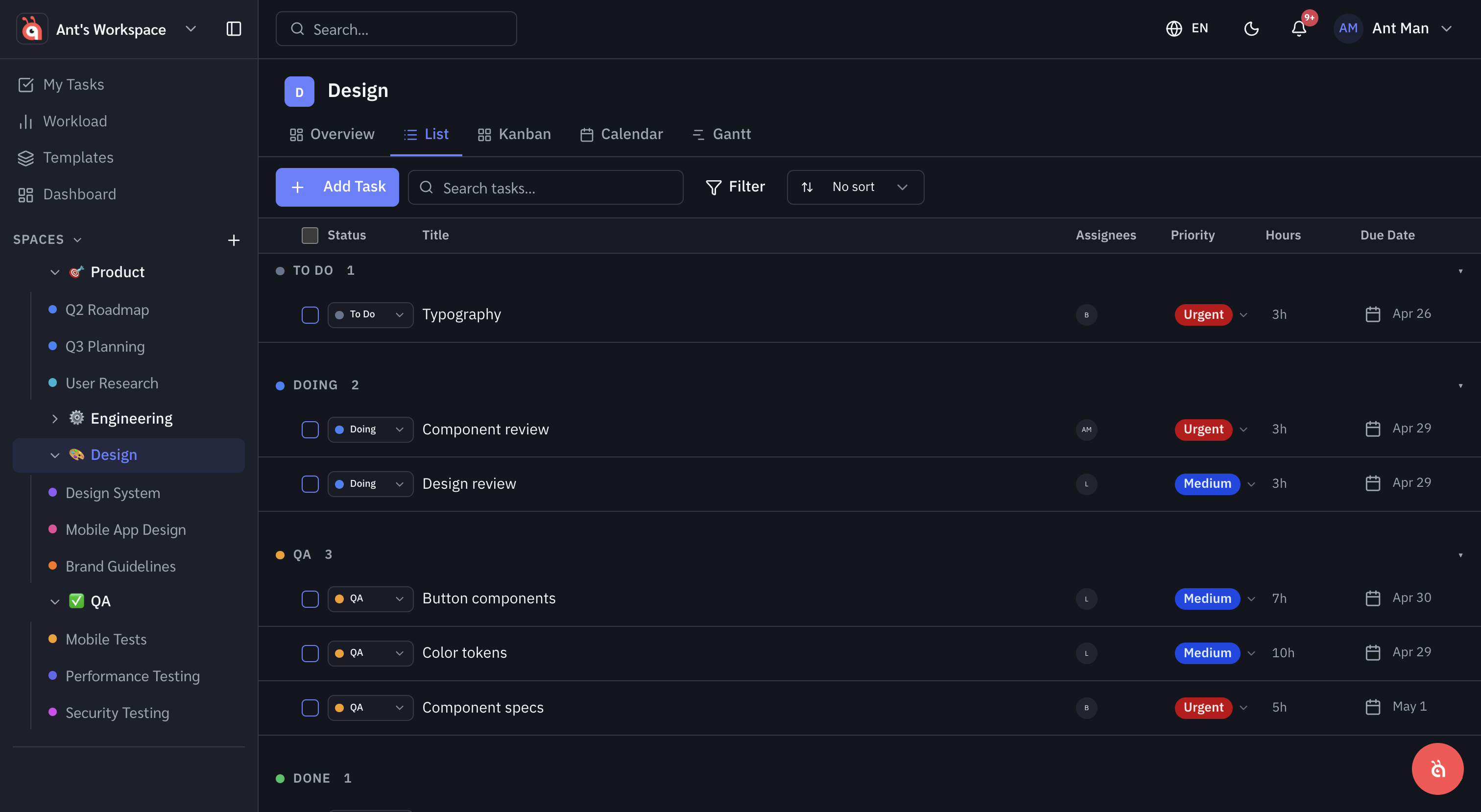
Switch to List view and filter by status to quickly see everything that is In Progress, Blocked, or Overdue. Sort by due date to find the most urgent items.
Board view for status overview
The Board view groups tasks by status column, giving you an at-a-glance picture of where work is piling up. If your "In Review" column is overflowing, you know where the bottleneck is.
Exporting data
On Starter plans and above, you can export any project's task list as a CSV. Go to the project ⋯ Options menu and select Export to CSV.
Was this helpful?