My Tasks
Understanding My Tasks
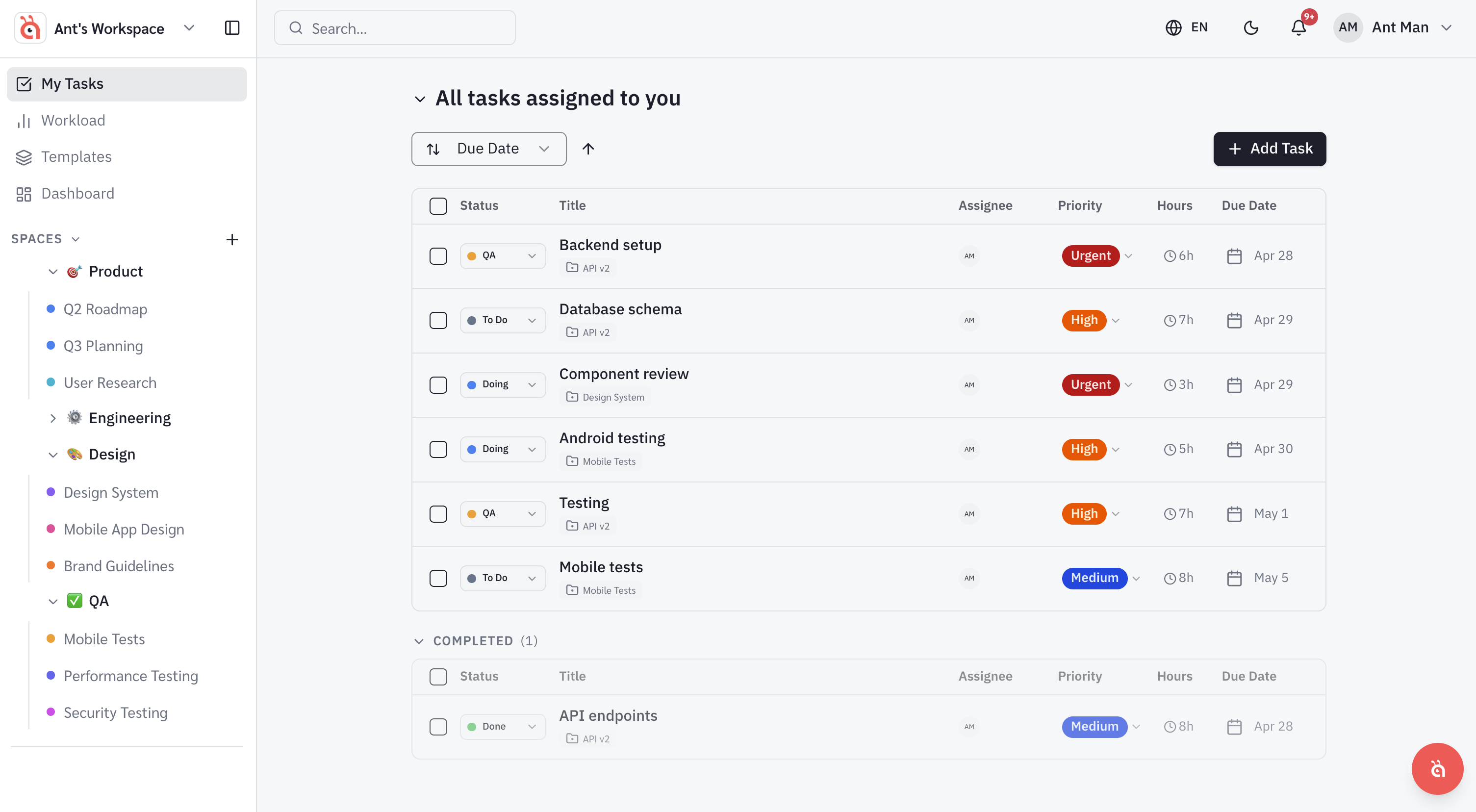
My Tasks is your personal dashboard — everything assigned to you, across all spaces and projects, in one place.
My Tasks brings together every task assigned to you across all your spaces and projects. It is your personal to-do list inside antbase.
What appears in My Tasks
Any task where you are the assignee will appear here, regardless of which space or project it belongs to. Tasks assigned to others do not appear.
Views available
- List — a flat list of all your tasks, sortable by due date, priority, or project.
- Board — a Kanban view of your tasks organised by status.
- Calendar — a date-based view of your upcoming tasks.
Filtering your tasks
Use the filter bar at the top to narrow down by due date, priority, status, or project. Saved filters let you quickly return to your most-used views.
Completing tasks
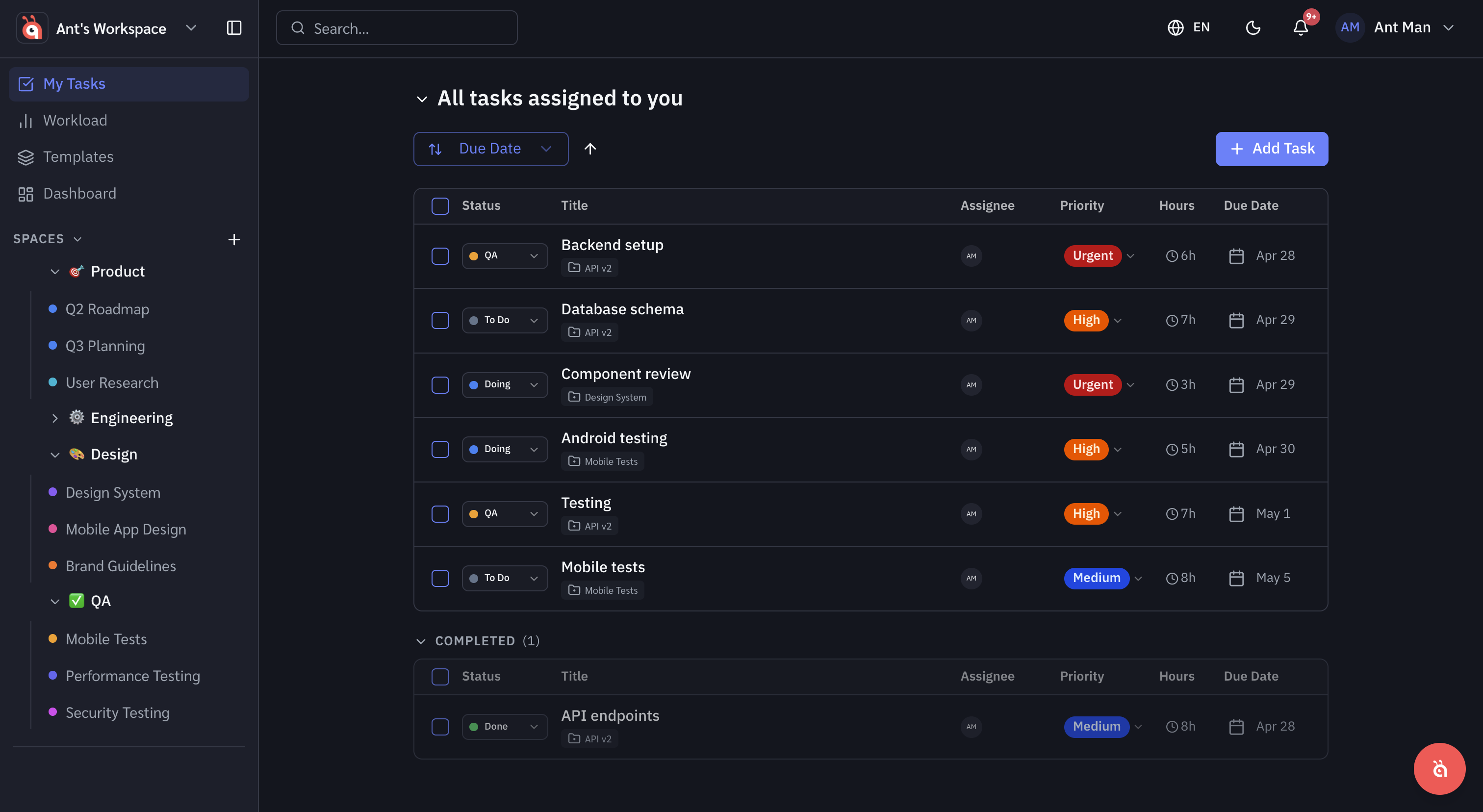
Click the circle to the left of any task name to mark it complete. Completed tasks are hidden by default but can be shown using the Show completed toggle.
Was this helpful?