Templates
Using task templates
Task templates let you create pre-filled tasks with standard subtasks, fields, and descriptions — saving your team time on repetitive work.
Templates let you define a reusable task structure once and apply it with one click whenever you need it.
Applying a template
- Create a new task in any project.
- Click Templates in the task toolbar.
- Browse or search the template library.
- Click a template to apply it — the task name, description, subtasks, and custom fields are filled in automatically.
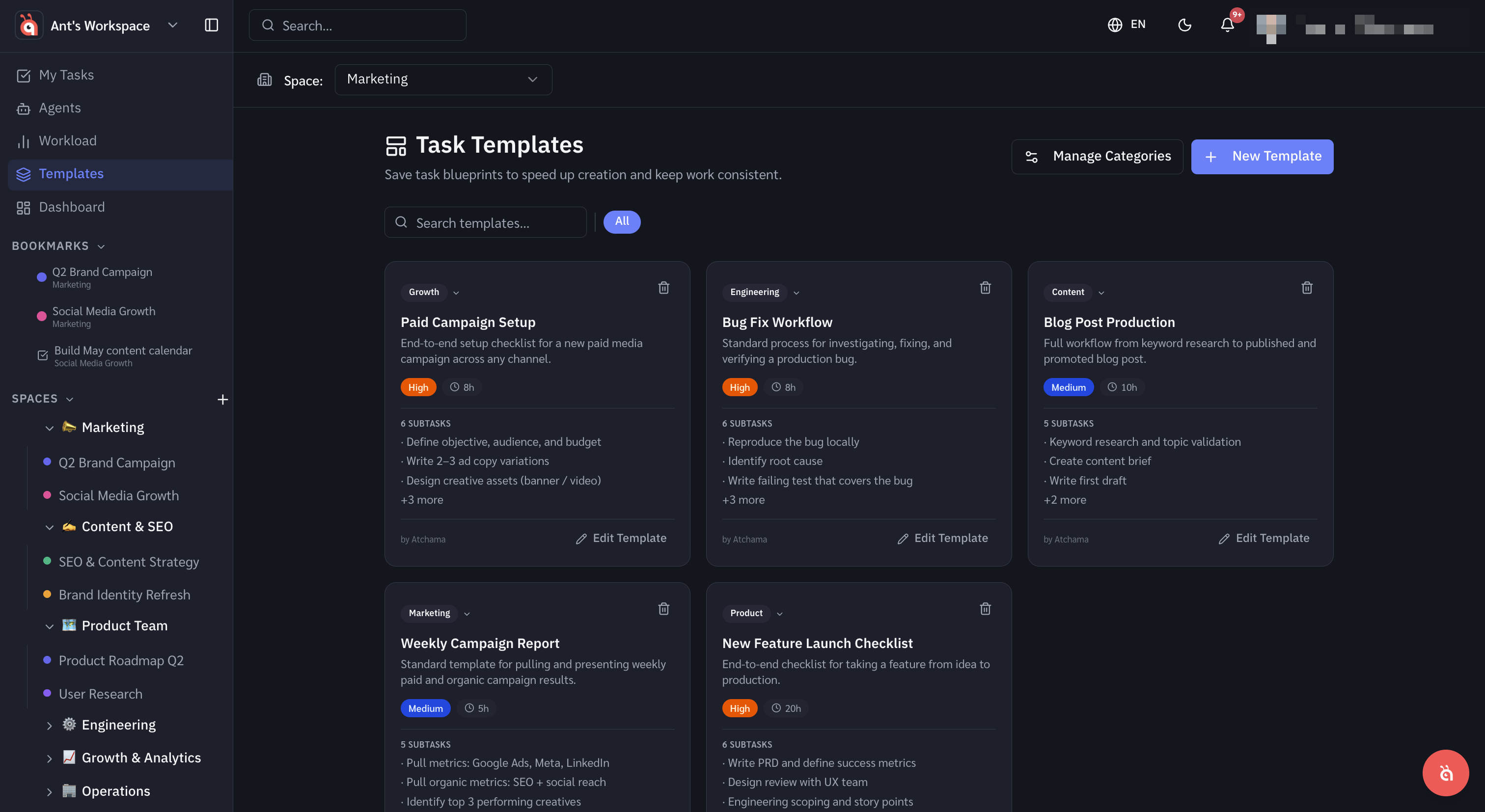
What templates can include
- Task name and description
- Subtasks (with their own assignees and due date offsets)
- Custom field values
- Priority and status
- Checklists
Editing after applying
Templates are a starting point — everything applied from a template can be edited normally. Changing a task created from a template does not affect the template itself.
Was this helpful?