Spaces, Projects and Tasks
Bookmarks
Pin your most-used spaces and projects to the top of your sidebar for instant one-click access.
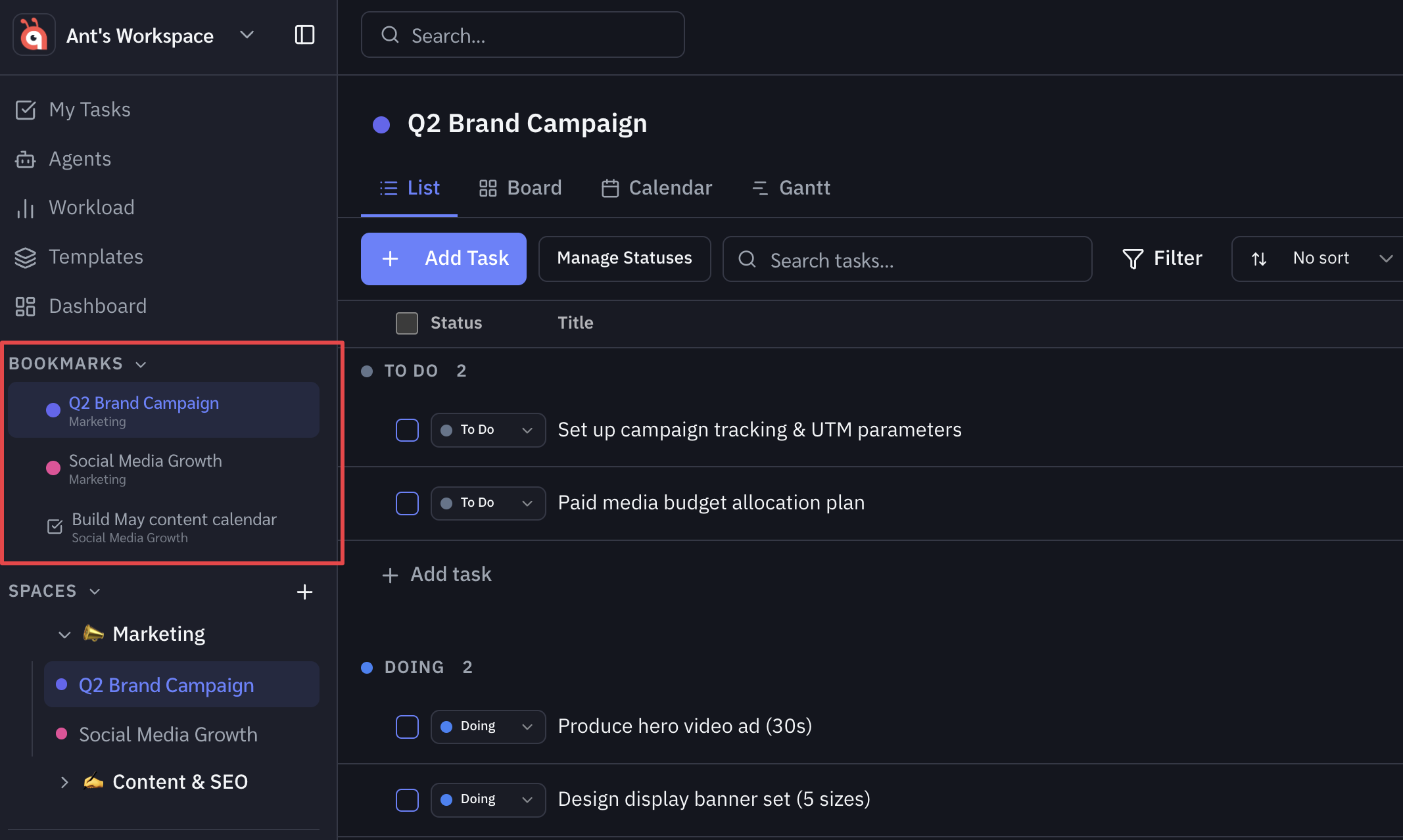
Bookmarks let you pin your most-used spaces and projects to the top of your sidebar for instant one-click access.
How to bookmark a space or project
Hover over any space or project in the sidebar. A bookmark icon appears on the right side of the item. Click it to bookmark — the item immediately moves up to the Bookmarks section at the top of your sidebar.
Removing a bookmark
Hover over a bookmarked item in the Bookmarks section and click the bookmark icon again. The item returns to its original position in the sidebar.
Reordering bookmarks
Drag bookmarked items up or down within the Bookmarks section to put your most-visited spaces first.
Bookmarks are personal
Bookmarks are private to you — other team members see their own bookmarks. Nothing changes for anyone else when you bookmark or remove a bookmark.
Was this helpful?