Spaces, Projects and Tasks
Task views — List, Board, Calendar, and Gantt
How to switch between views in antbase and when to use each one.
antbase gives you four ways to look at the same tasks. Switch between them using the tabs at the top of any project.
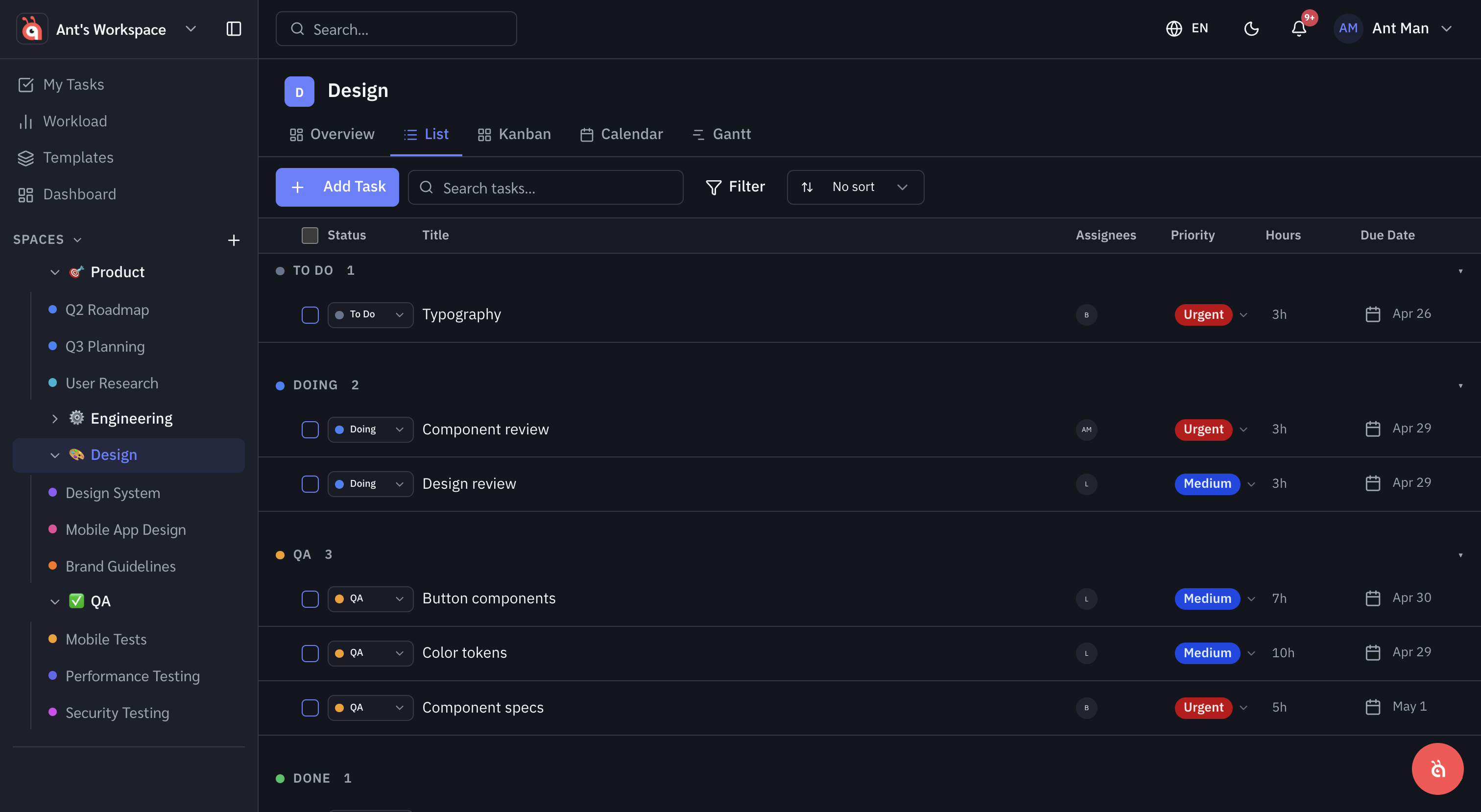
List view
A flat, spreadsheet-style list. Best for bulk editing, sorting, and seeing all task details at once.
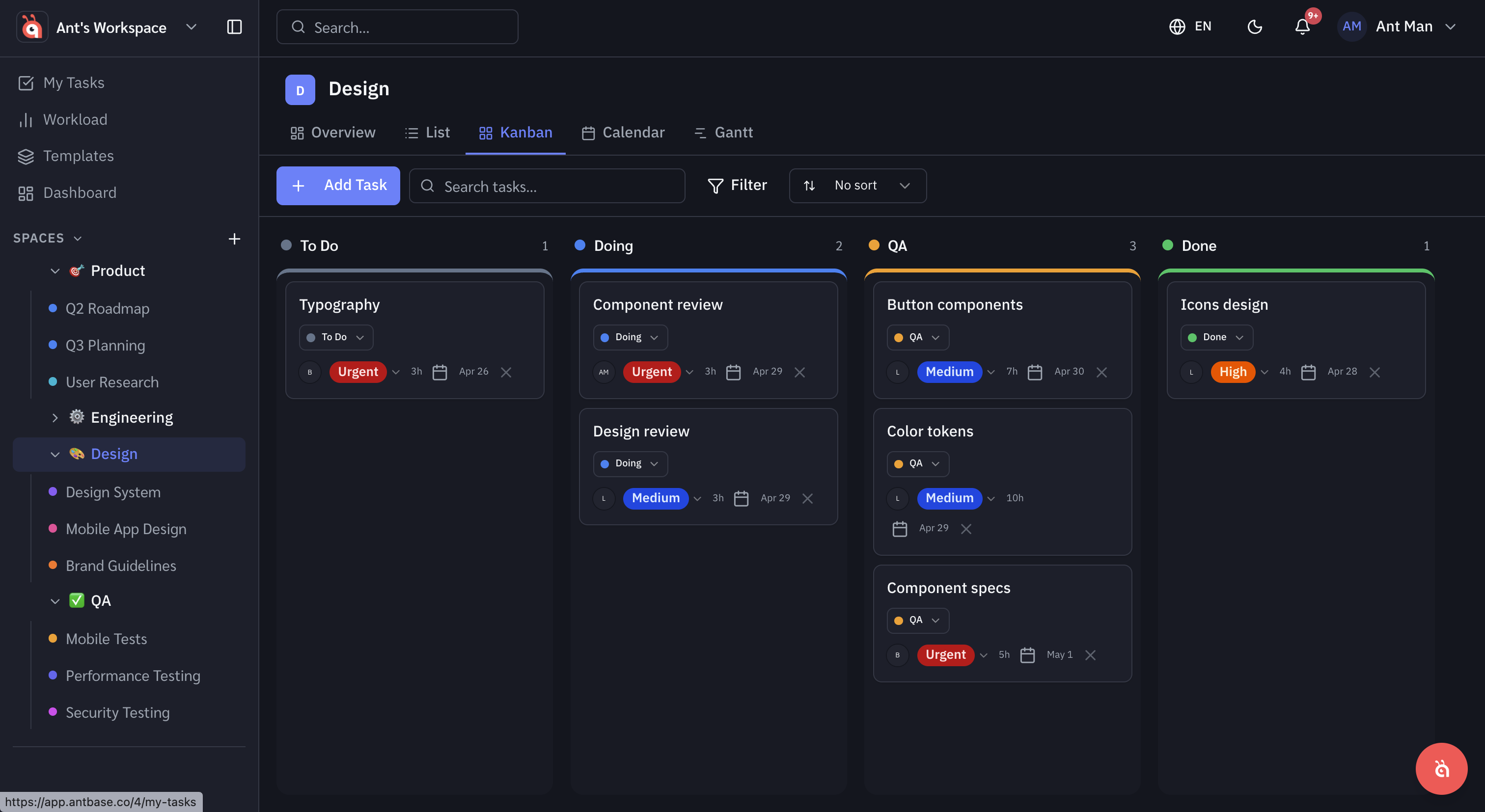
Board (Kanban) view
Tasks grouped into status columns. Best for visualising workflow and spotting bottlenecks.
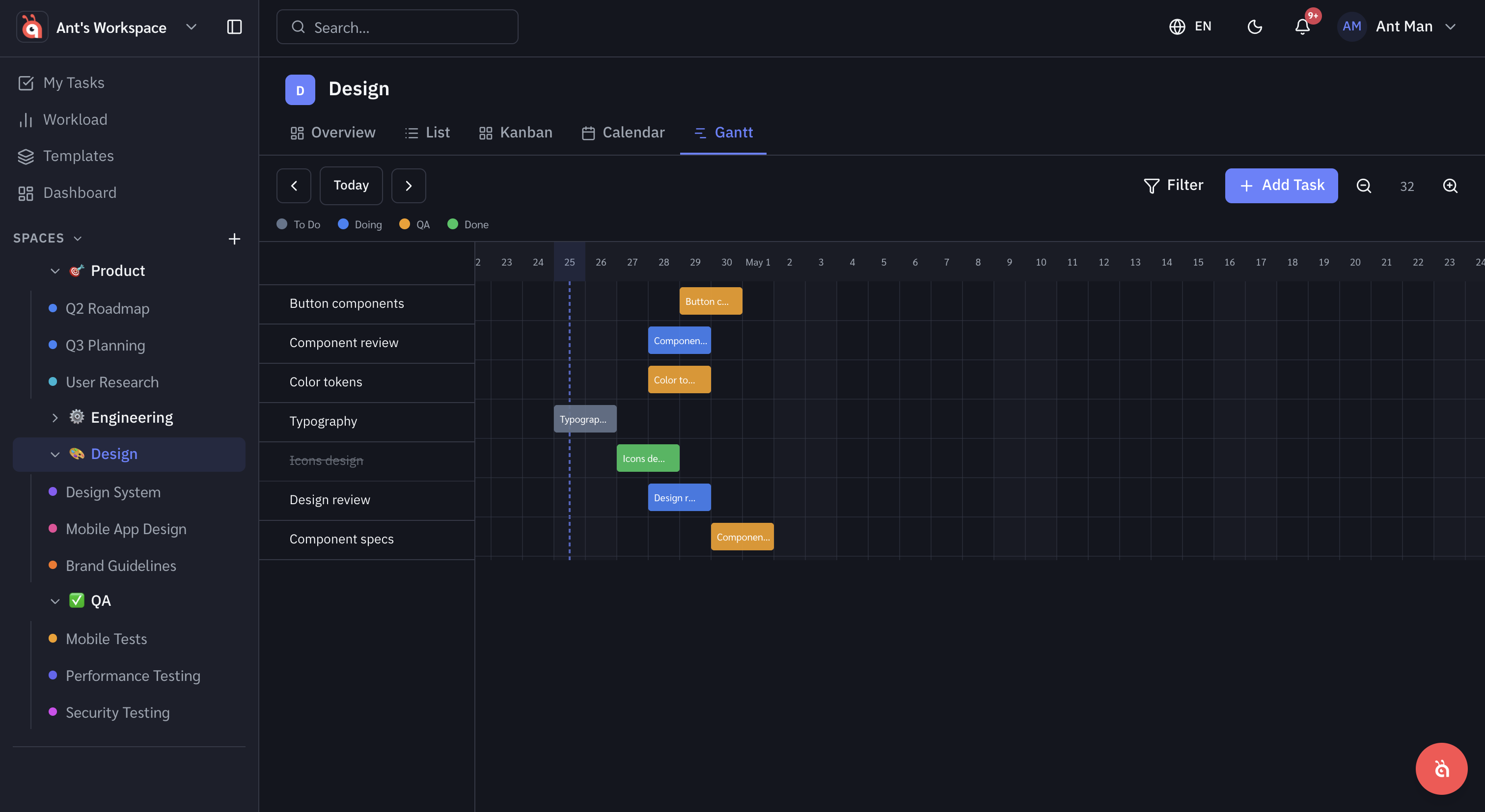
Gantt view
A timeline showing tasks as horizontal bars across dates. Best for project planning and dependency management.
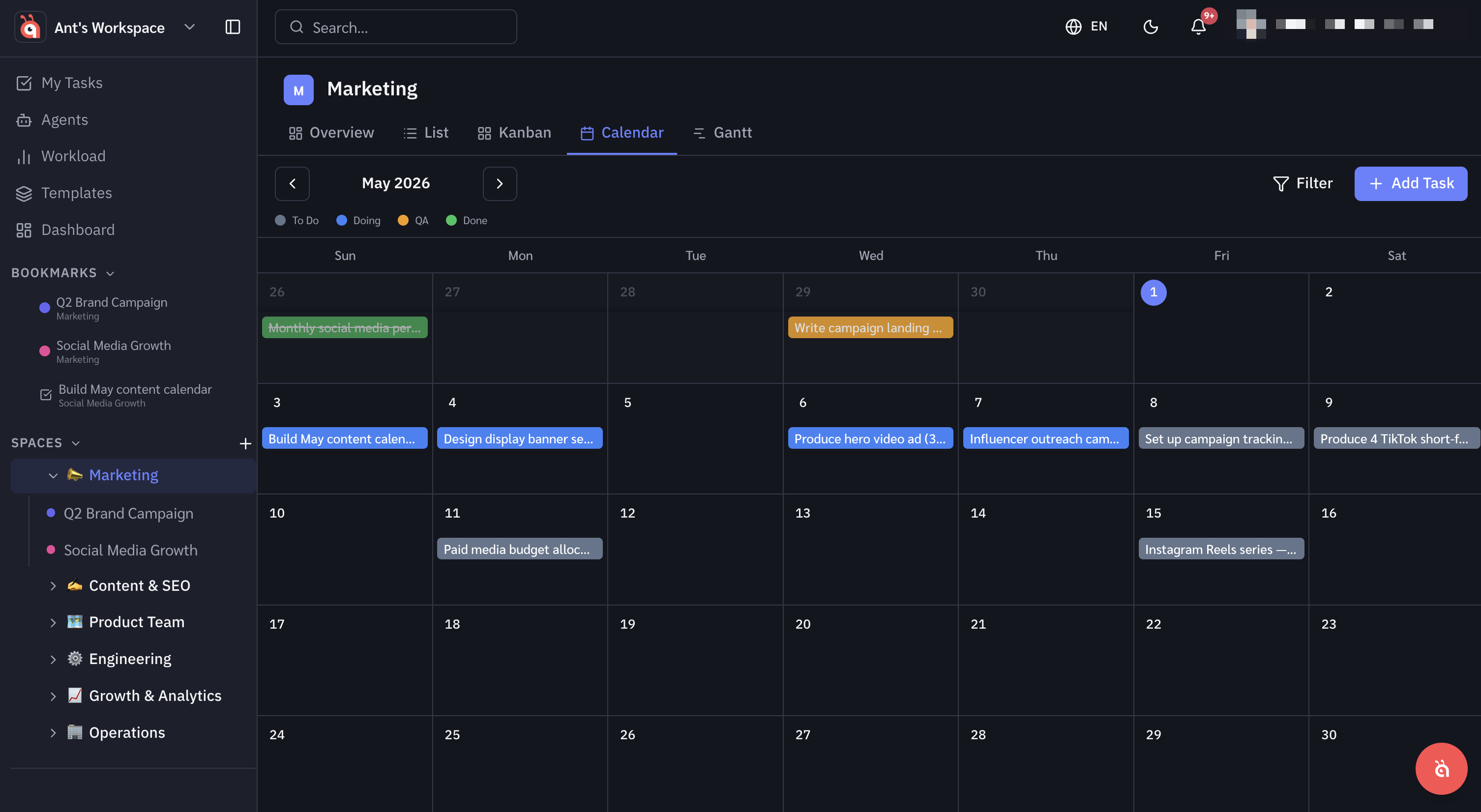
Calendar view
Tasks laid out on a monthly calendar by due date. Best for day-to-day scheduling and spotting deadline clusters at a glance.
Was this helpful?