Spaces, Projects and Tasks
Creating and managing tasks
How to create tasks, add subtasks, assign members, set due dates, and use custom fields.
Tasks are the core unit of work in antbase. Here is everything you need to know about creating and managing them.
Creating a task
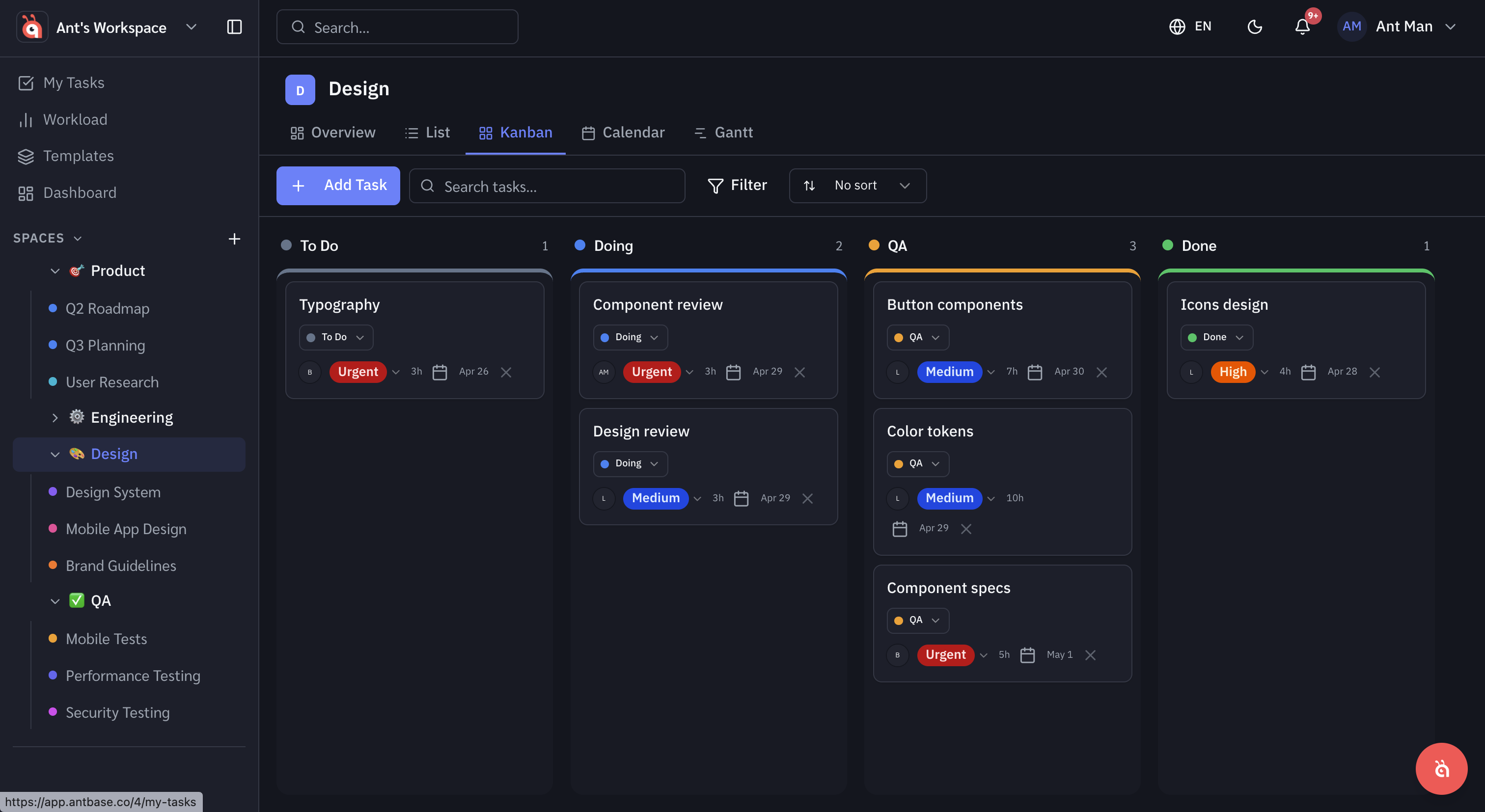
Inside any project, click + Add task or press T to create a new task. Give it a name and hit Enter — you can fill in the details after.
Task details
Open a task to access the full detail panel:
- Assignee — who is responsible
- Due date — when it needs to be done
- Priority — Urgent, High, Normal, or Low
- Status — customisable per project (e.g. To Do, In Progress, Done)
- Description — rich text with formatting, links, and file attachments
- Comments — leave notes for your team, @mention teammates
Subtasks
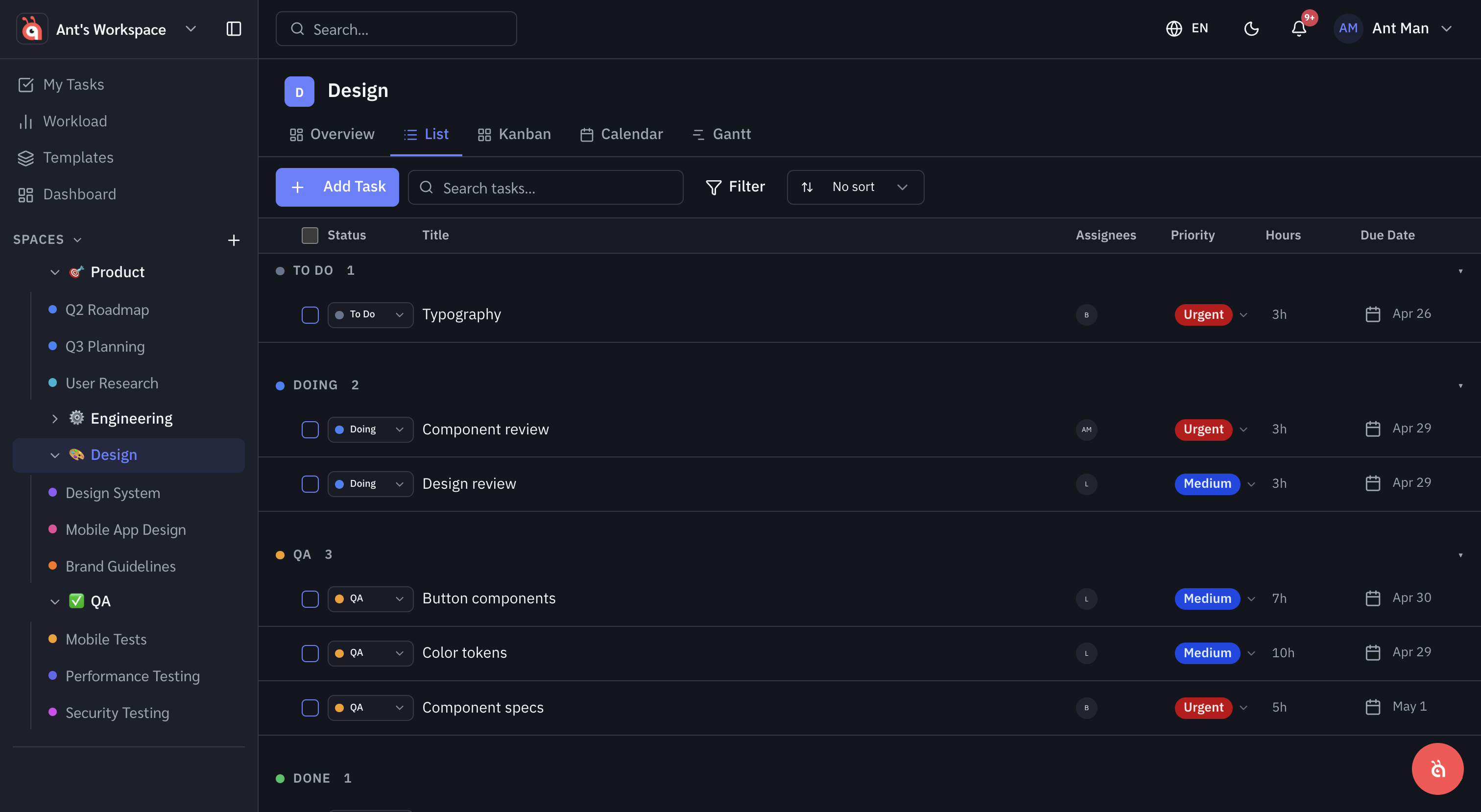
Break large tasks into smaller pieces by adding subtasks. Each subtask has its own assignee, due date, and status.
Custom fields
Add custom fields to capture any extra information your team needs — text, number, date, dropdown, or checkbox. Custom fields are set at the project level and apply to all tasks in that project.
Was this helpful?