Spaces, Projects and Tasks
Spaces and projects explained
Understand the difference between spaces and projects in antbase, and how to organise your work effectively.
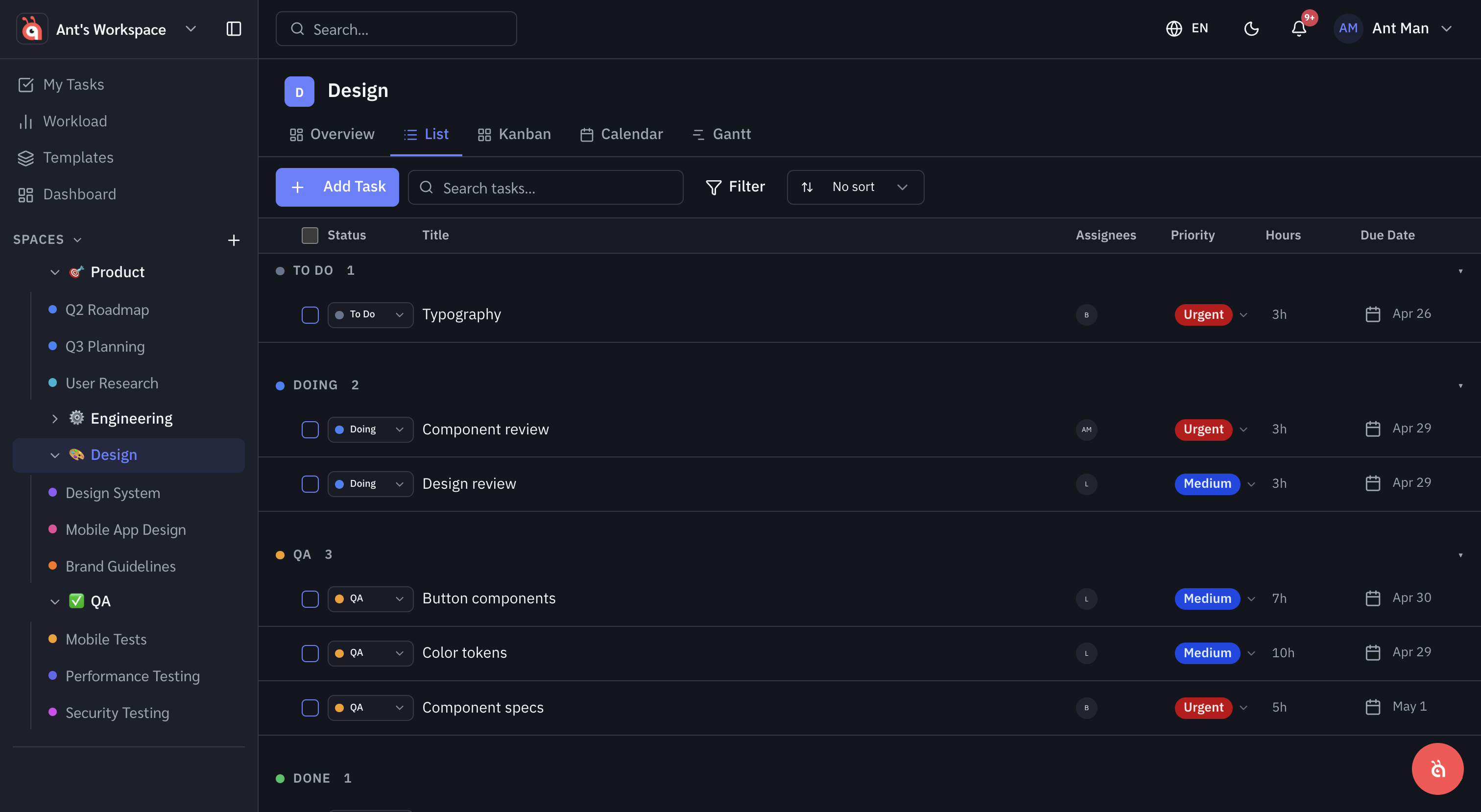
antbase has a two-level structure for organising work: Spaces at the top, Projects inside them.
Spaces
A space is the broadest container — typically used for a team, department, or major area of work. Examples: "Marketing", "Engineering", "Client Work".
Create a space from the sidebar by clicking + New Space. Set a name, colour, and choose who has access.
Projects
Projects live inside spaces and represent a specific piece of work with a defined scope — a campaign, a feature, a client project. Each project has its own task list, views, and settings.
Choosing the right structure
- Use spaces to separate teams or business areas.
- Use projects for individual initiatives within those areas.
- Keep the structure as flat as possible — deep nesting adds overhead.
Archiving spaces and projects
When work is complete, archive rather than delete. Archived items are hidden from the sidebar but remain searchable and restorable.
Was this helpful?